

Playwright vs Puppeteer is not a close call in 2026. Playwright was built by the same engineers who created Puppeteer at Google, after they left for Microsoft. They kept what worked, fixed what didn't, and shipped first-class cross-browser support, a built-in test runner, native auth state management, trace viewer, and auto-waiting locators. Puppeteer remains Chrome-only, has no official test runner, and its GitHub activity has declined every year since 2021. For new E2E test suites, Playwright is the default. For existing Puppeteer codebases, the migration cost is lower than most teams expect.
The team that built Puppeteer left Google to build Playwright. That's the whole story. Everything else (the feature gap, the adoption curve, the GitHub activity chart) is just the consequence of that one fact.
Most Puppeteer vs Playwright comparisons hedge. They list "Puppeteer wins when you need X" and "Playwright wins when you need Y" to seem balanced. We're not going to do that. The divergence is real, it happened for specific reasons, and ignoring it costs teams time.
The timeline: how Puppeteer became Playwright
In 2012, Google engineers built ChromeDriver and the DevTools Protocol to automate Chromium. Those primitives worked but were low-level: you were talking raw protocol, building your own retry logic, wiring your own test runner. In 2017, the team packaged those primitives into Puppeteer, a high-level Node.js API that made Chrome automation accessible without needing to understand the wire protocol underneath. Puppeteer shipped as open source and spread fast. Within a year it was the go-to tool for headless Chrome automation.
The team that built it left Google in 2019. They joined Microsoft and started over. Not from scratch: the Chrome DevTools Protocol knowledge was theirs to take, and the lessons about what made Puppeteer painful were fresh. Playwright 1.0 shipped in January 2020 with three things Puppeteer never had: Firefox and WebKit support alongside Chrome, a multi-page API designed for modern SPAs, and a philosophy of waiting automatically instead of requiring developers to thread waitForSelector calls through every test.
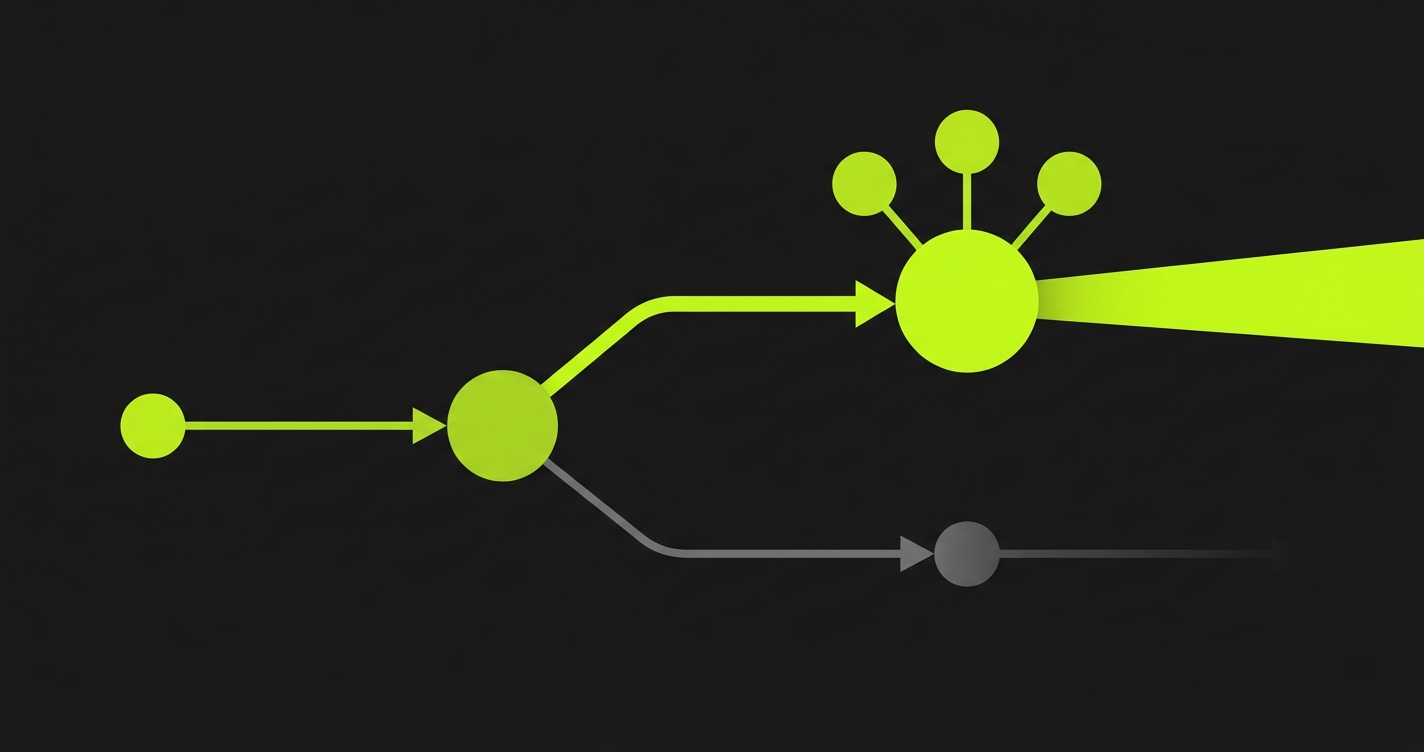
By 2022, GitHub star counts were still close. By 2024, the divergence was unambiguous: Playwright's weekly npm downloads had surpassed Puppeteer's, Puppeteer's release cadence had slowed to maintenance mode, and the Microsoft team was shipping Playwright features (trace viewer, component testing, Codegen, VS Code integration) at a pace Google's Puppeteer contributors couldn't match. By 2026, asking "which one should I pick for a new project" has a clear answer.
Feature comparison
| Capability | Playwright | Puppeteer |
|---|---|---|
| Cross-browser support | Chromium, Firefox, WebKit (Safari) | Chrome/Chromium only (Firefox experimental) |
| Built-in test runner | Yes, @playwright/test with fixtures, parallelism, retries | No, requires Jest, Mocha, or similar |
| Auth / session state | Native storageState: save and reuse auth state across tests | Manual cookie/localStorage scripting per test |
| Mobile emulation | First-class device descriptors, touch events, geolocation | Viewport + UA string only, no touch events |
| Network interception | page.route() with request/response manipulation and HAR recording | page.setRequestInterception(), intercept only, no HAR |
| Locator strategy | Auto-waiting locators: role, label, text, placeholder, alt, title, test-id | CSS selectors and XPath, no built-in auto-waiting |
| Trace viewer | Built-in, full DOM snapshots, network timeline, screenshots per action | None |
| Parallelism | Built-in worker-based parallelism across files and within files | No built-in parallelism, delegate to test runner |
| Web-first assertions | expect(locator).toBeVisible() with auto-retry | No built-in assertions, delegate to Jest/Chai |
| Codegen / test recorder | Built-in: playwright codegen, VS Code extension | None |
| Maintained by | Microsoft (original Puppeteer team) | Google (reduced contributor base) |
| Last major release cadence | Monthly feature releases | Quarterly maintenance releases |
| GitHub activity trend (2021–2026) | Accelerating | Declining |
| Adoption trend (npm downloads) | Surpassed Puppeteer in 2023, widening | Flat since 2022 |
The table tells one story. Every capability that matters for a maintained E2E suite (cross-browser, test runner, auth state, trace viewer, auto-waiting assertions) either doesn't exist in Puppeteer or is bolted on via a third-party package you now have to keep updated separately.
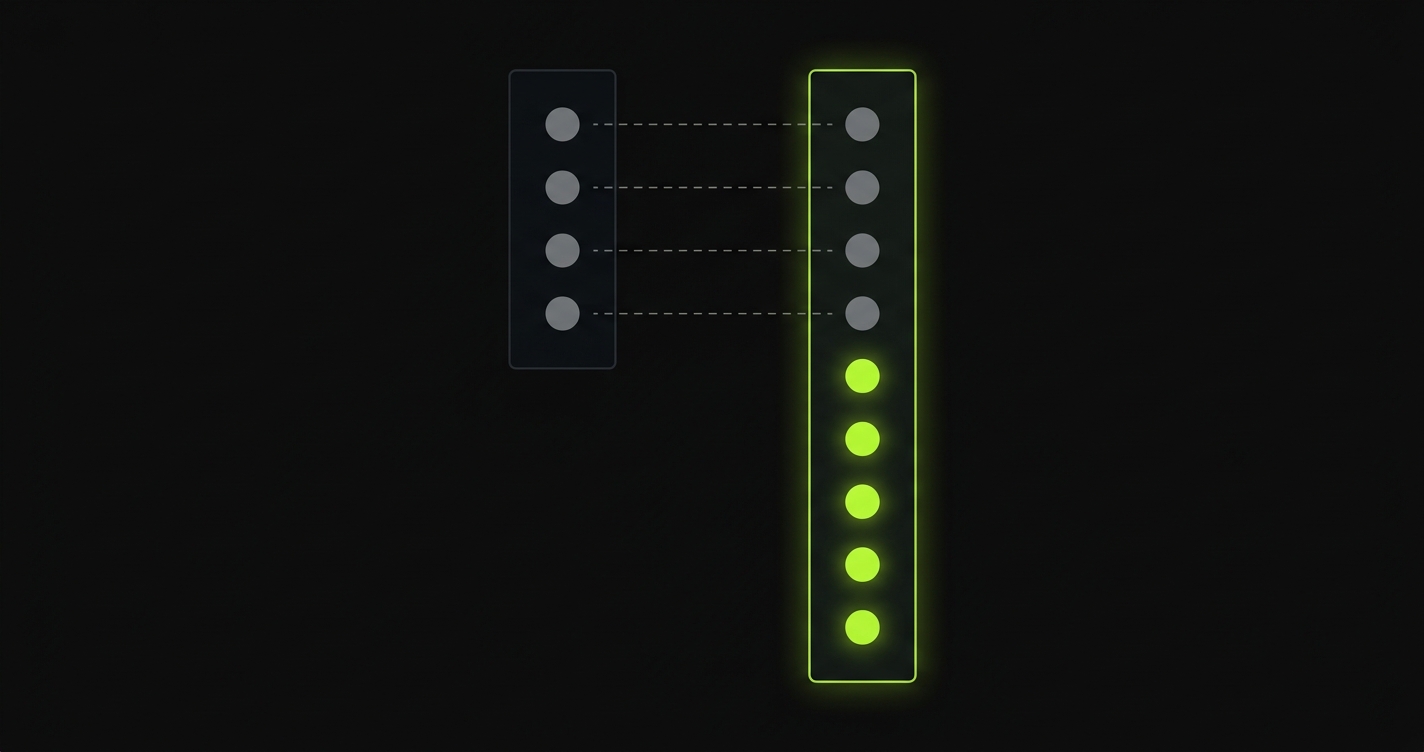
If you're already running Puppeteer in production and evaluating the migration cost, the realistic picture is this: rewriting every spec file to use Playwright's test() block structure, relearning the locator API (goodbye CSS selectors, hello role and label queries), and recalibrating every wait pattern your tests rely on. That is weeks of work for a large suite, and it is exactly the work Autonoma was built to skip. Instead of migrating your existing tests, you connect your codebase and agents derive a new test suite from your actual routes and components, cross-browser, with trace-viewer output, zero hand-rewriting required.
How to migrate from Puppeteer to Playwright
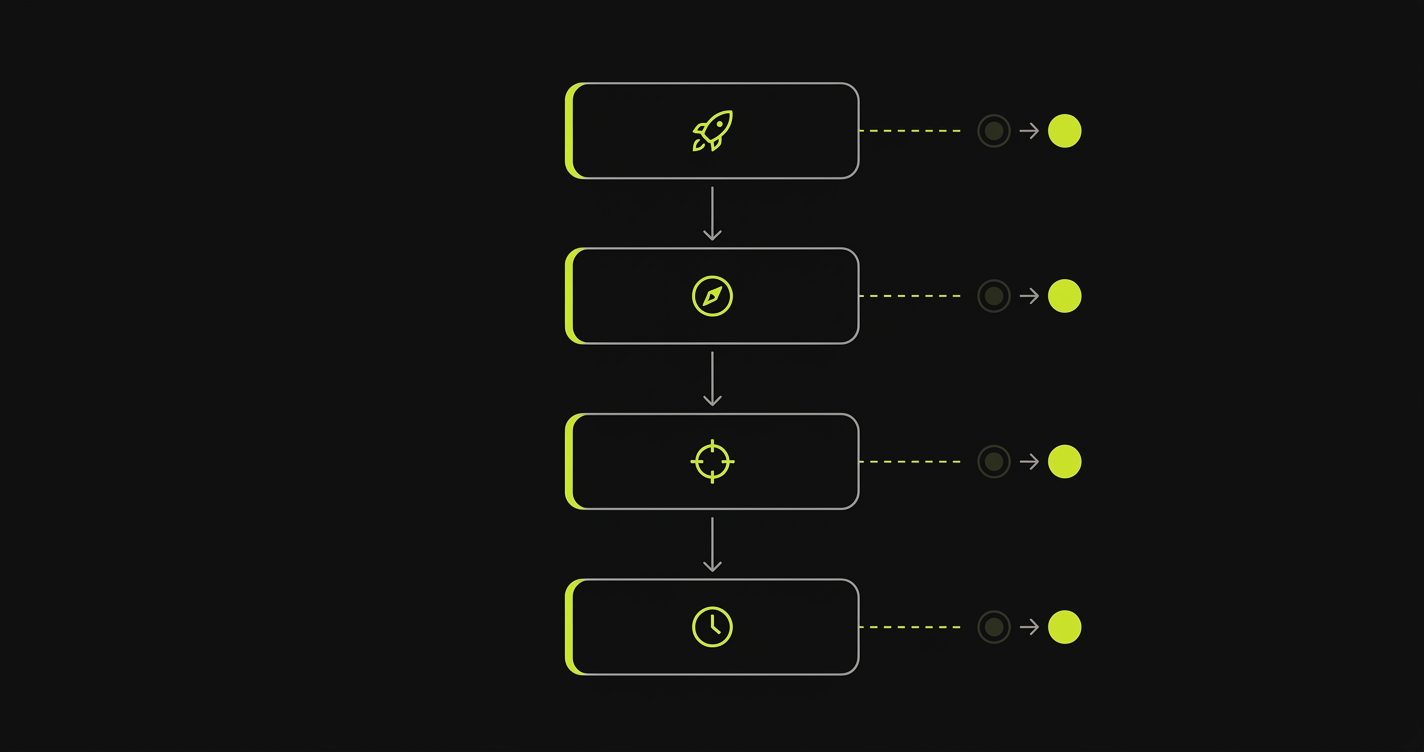
The good news: Playwright's API surface is close enough to Puppeteer's that most migration decisions are mechanical. The same patterns repeat across every file. We've migrated Puppeteer suites ranging from dozens to hundreds of spec files, and the blockers are almost always the same four things. The companion repo for this article has a complete before/after spec pair, a real login flow written first in Puppeteer, then rewritten in Playwright, so you can see the full diff rather than isolated snippets.
For teams who want to avoid the rewrite entirely, Autonoma generates a fresh Playwright test suite from your codebase. The Planner agent reads your routes, components, and user flows; the Automator agent executes them; the Maintainer agent keeps them passing as your code changes. No migration, no stale selectors, no recalibration.
Launch options
Puppeteer's puppeteer.launch() and Playwright's chromium.launch() accept similar option shapes, but the names diverge in a few places that break silently. headless: true maps directly. args maps directly. But Puppeteer's slowMo, devtools, and timeout sit at the browser level, while Playwright distributes some of these to the browser context and page levels. Here's the exact option-by-option mapping:
page.goto() and wait states
This is the most common migration breakage. Puppeteer's page.goto(url, { waitUntil: 'networkidle2' }) waits until there are no more than two active network connections for at least 500ms, a heuristic that made sense for server-rendered pages but fires early on SPAs that stream data after initial render. Playwright replaces this with four named states: domcontentloaded, load, networkidle, and commit. Playwright's networkidle is stricter than Puppeteer's networkidle0, it waits for zero connections, not two. Most teams migrating from Puppeteer's networkidle2 should start with Playwright's load and then add locator assertions for the elements they actually care about instead of relying on network timing heuristics. Below is the full wait-state breakdown:
Selectors: from CSS/XPath to locators
Puppeteer's selector model is raw CSS or XPath passed as strings. page.click('#submit-btn') fires and forgets, no waiting, no retry, just a CDP command. Playwright's locator model is fundamentally different. page.getByRole('button', { name: 'Submit' }) returns a locator object that auto-waits for the element to be attached, visible, enabled, and stable before acting. The locator is lazy: nothing happens until you call an action or assertion on it. This shifts the mental model from "find element, then act" to "describe what you want, then act, and Playwright will wait until it's there."
The practical impact: most waitForSelector calls in your Puppeteer code become unnecessary once you switch to locators. Here's a selector cheatsheet mapping the CSS and XPath patterns most common in real Puppeteer suites to their Playwright locator equivalents:
Wait patterns
Puppeteer's wait repertoire is a mix of network-level waits, element-level waits, and the blunt instrument of page.waitForTimeout(). The timeout one is the most dangerous: it hardcodes an assumption about how long something takes, and that assumption is wrong in slow CI environments, fast developer machines, and any environment where load times vary. Playwright's answer is web-first assertions. await expect(page.getByRole('status')).toBeVisible() retries automatically until the element is visible or the test timeout is exceeded. You get the same safety net as waitForSelector with a cleaner syntax and a built-in timeout you configure once at the project level rather than per call. Here's the full translation:
When Puppeteer is still fine
Playwright wins for E2E test suites. That doesn't mean Puppeteer is worthless. There are three cases where Puppeteer is still the right call, and being honest about them matters.
Single-purpose scripts that automate one browser task (taking a screenshot, filling a form, triggering a webhook) don't need a test runner, cross-browser support, or trace viewer. Puppeteer's API is slightly lighter and its startup cost is marginally lower. If you're writing a 40-line script that runs once a day, the extra capabilities Playwright brings are overhead you don't need.
PDF generation at scale is a case where Puppeteer's Chrome DevTools Protocol access is mature and well-documented. Puppeteer has a dedicated PDF API that's been production-tested by thousands of teams. Playwright's PDF support exists but is less commonly used and less battle-tested in high-volume PDF pipeline scenarios. For teams running print-to-PDF pipelines at scale, Puppeteer remains a reasonable choice.
Web scraping where test-runner ergonomics don't matter is the third carve-out. If you're scraping structured data and your primary concern is bypassing bot detection, handling JavaScript-rendered pages, and managing request concurrency, Puppeteer's ecosystem of scraping-specific plugins is more mature. Neither Playwright nor Autonoma replaces Puppeteer for this use case, scraping is a different problem domain from functional testing.
Legacy codebases where migration cost exceeds value are the last honest carve-out. If you have a 500-test Puppeteer suite that's green, covering real user flows, and the team maintaining it is stable, the case for migrating is weaker than it seems. The tests work. Puppeteer still ships security updates. You're not blocked. In that situation, migration is an investment with a long payback period, not an emergency.
Is Puppeteer dead?
Not dead. Maintenance mode. Google still publishes updates, mainly to keep pace with Chrome DevTools Protocol changes, but the contributors who built its most ambitious features are now the Playwright team. Since mid-2023, Puppeteer's release notes have focused on Chrome version compatibility and dependency updates rather than new capabilities, a pattern consistent with a project in caretaker mode. What you get from Puppeteer in 2026 is a stable API that won't break your Chrome automation scripts, not a roadmap of new features. For teams weighing Playwright alternatives or looking at the broader Selenium, Playwright, and Cypress comparison, Puppeteer is a valid historical choice but not the right forward bet.
Not dead, but in maintenance mode. Google publishes updates to keep Puppeteer compatible with Chrome DevTools Protocol changes, but the team that built its most significant features left in 2019 and built Playwright instead. The npm download trend has been flat since 2022 while Playwright's has accelerated. For new projects, Puppeteer is not the right starting point. For stable existing codebases, it's a supportable choice until the maintenance cost becomes visible.
It depends on suite size and test health. For suites under 50 specs that are actively maintained and frequently failing, migration usually takes a week or two and the payoff in cross-browser coverage and trace viewer debugging is immediate. For suites of 200+ specs that are mostly green and rarely touched, the migration cost is high and the value is lower. The middle path is to write all new tests in Playwright and migrate Puppeteer tests opportunistically when you touch them for another reason.
In most real-world suites, yes, but the mechanism is the test runner, not the browser automation speed. Playwright's built-in parallelism runs spec files across workers simultaneously by default. Puppeteer delegates parallelism to your test runner, which requires explicit configuration. When you configure both equivalently with the same degree of parallelism, the raw page automation speed is comparable. The Playwright advantage is that you get parallelism without configuration work, and web-first assertions eliminate the sleep-and-pray waits that inflate Puppeteer suite run times.
For most teams, yes. Playwright runs in real browsers (not inside the browser like Cypress), handles multiple tabs and origins natively, and has no restrictions on cross-domain testing. The main reason to stay on Cypress in 2026 is an existing suite you don't want to migrate and a team that knows the Cypress API well. For a deeper comparison, the playwright-vs-cypress post covers this in detail.
Not if you want hand-authored, version-controlled test scripts where your team controls every assertion. Autonoma is for teams who want E2E coverage without hand-authoring and maintaining those scripts. You connect your codebase, and three agents handle planning, execution, and maintenance automatically. The Planner agent reads your routes and components, plans test cases including database state setup, and the Maintainer agent self-heals tests when your code changes. Where hand-authored Playwright is still the right call: highly specific custom logic that requires domain knowledge to assert correctly, airgapped environments where an external agent can't reach your app, and teams where test code as documentation is a hard requirement. Autonoma and Playwright are not competitors, most teams using Autonoma still have Playwright installed for the one-off script or CI smoke test they want to write themselves.
Three cases hold up in 2026. First, single-purpose automation scripts that don't need a test runner (screenshot generators, form automation, webhook triggers). Second, high-volume PDF generation pipelines where Puppeteer's PDF API is mature and well-tested. Third, web scraping workflows where you need scraping-specific plugins and bot-detection handling that are more developed in the Puppeteer ecosystem. Outside these three, Playwright is the stronger default.