

Cypress vs Selenium migration in 2026: this is not a comparison article. If you are still deciding between the two (or weighing Playwright), read the three-way comparison first. This playbook assumes you have made the call and want the step-by-step process. What follows: a short framing table (10 dimensions), three fully converted test pairs with companion code, a realistic time-investment estimate, and a rollout strategy that takes you from parallel suites to a complete Selenium sunset.
Most Selenium-to-Cypress migration guides were written in 2019 or 2020, when Cypress was Firefox-only and Selenium still had the ecosystem advantage. In 2026, the landscape looks different. Cypress 13 added Firefox and Edge support, closing the biggest technical gap. The Cypress Cloud free tier changed (parallel execution now requires a paid plan). Selenium 4 shipped a BiDi protocol and improved Grid stability. None of that changes the fundamental developer-experience gap, but it does change the migration calculus for some teams.
The goal here is not to re-litigate the decision. It is to execute it cleanly.
Have You Actually Decided?
One paragraph, then we move on. The Selenium vs Cypress decision is not obvious for every team. Multi-language shops running tests in Python, Java, and Ruby simultaneously cannot use Cypress (JavaScript and TypeScript only). Enterprise environments with approved-framework lists may not have Cypress on them. Suites with 5,000+ tests have a migration cost that can outweigh the benefit. If any of that describes your situation, read the Playwright vs Selenium comparison or the full three-way breakdown before committing. If you are a JavaScript-first team with under 1,000 tests and a real flakiness problem, keep reading.
Why Cypress in 2026 (Short Version)
This table is intentionally compressed. Its job is to frame the "why" so the migration section has context, not to be a comprehensive evaluation.
| Dimension | Selenium 4 | Cypress 13 |
|---|---|---|
| Protocol | WebDriver (W3C) + BiDi (new) | Direct browser JS execution |
| Browser support | Chrome, Firefox, Edge, Safari, IE | Chrome, Firefox, Edge (no Safari, no IE) |
| Debugging | Screenshots, external logs | Time-travel debugger, in-browser DevTools |
| Parallel execution | Self-managed Grid or cloud provider | Cypress Cloud (paid) or local orchestration |
| CI cost | Grid infrastructure overhead | Faster suites, lower compute; parallel = paid tier |
| Learning curve | High (WebDriver, Grid, bindings) | Low for JS teams (fluent API, excellent docs) |
| Flakiness profile | High (explicit waits, timing issues) | Low (auto-retry, built-in assertions) |
| Community | Vast, multi-language, long-tenured | Large, JS-native, highly active |
| Mobile story | Appium integration | No native mobile; viewport simulation only |
| Licensing | Apache 2.0 (fully free) | MIT (open source) + Cypress Cloud (commercial) |
The two constraints that matter most for the migration decision: Cypress is JavaScript/TypeScript only, and Safari is not supported. Everything else on that table favors Cypress for a JS-first team. If your migration shortlist includes WebdriverIO as well, our WebdriverIO vs Cypress comparison covers the protocol architecture differences and when WebdriverIO's Appium integration tips the balance.
The Selenium-to-Cypress Migration Playbook
What you are converting
Three test categories cover most of what Selenium suites contain: login flows (authentication state), search-and-assert (DOM query and assertion patterns), and multi-step checkout with network stubbing (the hardest conversion, because Selenium has no native network interception layer).
The companion repo contains all six files in matched pairs. The before/ directory runs against selenium-webdriver and Mocha. The after/ directory runs as Cypress tests. Both sets target the same test scenarios.
Test 1 -- Login flow
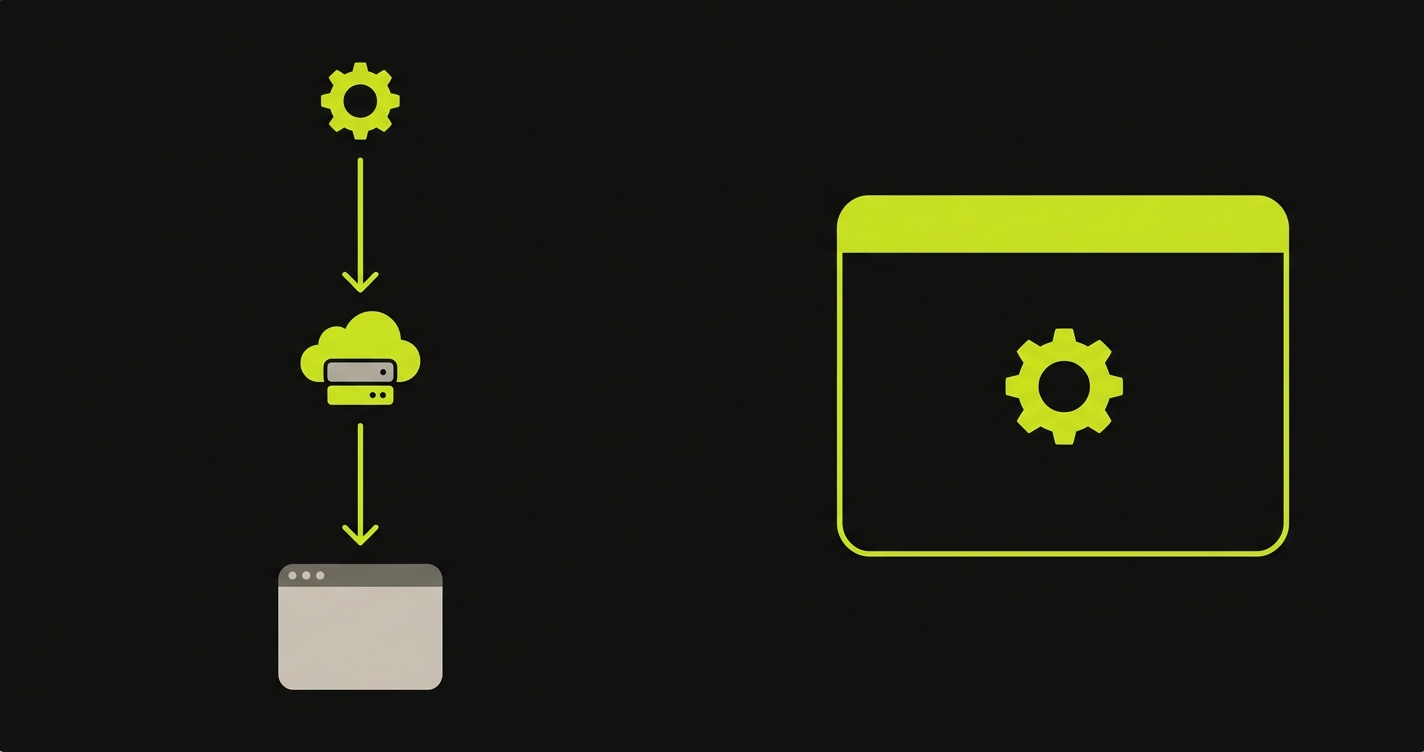
The login test is the simplest conversion. Selenium drives the browser through an HTTP client (WebDriver server). Cypress drives it directly inside the browser process. The structural difference shows up immediately: driver.findElement(By.id('email')) becomes cy.get('#email'). Explicit waits (driver.sleep() or WebDriverWait) disappear -- Cypress retries automatically until the element is present or the timeout expires.
The Selenium version requires setup: instantiate the driver, configure capabilities, tear down after each test. The Cypress version has none of that ceremony. cy.visit() replaces the full driver initialization block.
Here is the Selenium baseline for the login flow:
And here is the Cypress equivalent — notice the driver setup ceremony is gone entirely:
Time estimate for this conversion: 15-30 minutes per test. Most of the time is renaming selectors and removing explicit waits, not rewriting logic.
Test 2 -- Search and assertion
The search test introduces Cypress's chained assertion style. In Selenium, you query an element and then call a separate assertion library (Chai, Mocha assert, or Jest's expect). In Cypress, assertions chain directly off the command: cy.get('.result').should('have.length.greaterThan', 0) reads as one continuous expression.
The bigger difference is retry behavior. Selenium's findElements returns whatever is in the DOM at the moment of the call. If the search results load 200ms after the call, you get an empty array and a flaky test. Cypress's cy.get() retries until the assertion passes or times out. That single behavioral difference eliminates roughly 60% of the explicit waits in a typical Selenium suite.
Below is the Selenium search test with its explicit waits:
And the Cypress version, where retry-until-pass replaces every manual wait:
Time estimate for this conversion: 20-40 minutes per test, plus any time spent removing WebDriverWait wrappers scattered across helper functions.
Test 3 -- Multi-step checkout with network stubbing
This is where the migration gets interesting. Selenium has no native network interception. Teams working around this use WireMock, BrowserMob Proxy, or a dedicated mock server. The setup overhead is real: spin up a proxy, configure the driver to route through it, write stub definitions in a separate format, tear everything down after the test.
Cypress intercepts at the browser level natively. cy.intercept() registers a route handler before the test runs. No proxy, no external process. The stub lives in the same file as the test. When the checkout page fires a POST to /api/orders, Cypress catches it, returns a stubbed 200 with the fixture payload, and the test asserts against the resulting UI state.
This conversion is the highest-value one in the migration. It eliminates an entire layer of infrastructure and tends to produce tests that are both faster and more legible.
Here is the Selenium checkout test that relies on WireMock for network stubbing:
And the Cypress version, where cy.intercept() replaces the entire proxy layer:
Time estimate for this conversion: 1-3 hours per test, primarily due to replacing the proxy setup and translating stub definitions into cy.intercept() handlers.
Time-investment estimate for a full migration
The three tests above represent the three difficulty tiers. Use them to extrapolate:
Simple tests (login, navigation, form fill with basic assertions): 15-30 minutes each. Mid-complexity tests (search, filter, multi-assert): 20-45 minutes each. Complex tests (network stubbing, multi-step flows, shared helper refactoring): 1-4 hours each.
For a 100-test Selenium suite with a typical 60/30/10 distribution (simple/mid/complex), expect 80-150 hours of conversion work before accounting for CI configuration and environment setup. Add another 8-16 hours for Cypress config, npm setup, and CI pipeline integration. A two-person team running this in parallel with feature work should budget 6-10 weeks.
That estimate does not include the time spent updating shared utilities and page object models. If your Selenium suite relies heavily on a custom wrapper library, plan an extra sprint to rewrite it in Cypress idioms.
Rollout Strategy
Running the migration as a hard cutover is the fastest path to a failed migration. Convert everything at once, break CI for two weeks, lose confidence in the suite, and end up maintaining both frameworks anyway. The approach that works is staged.
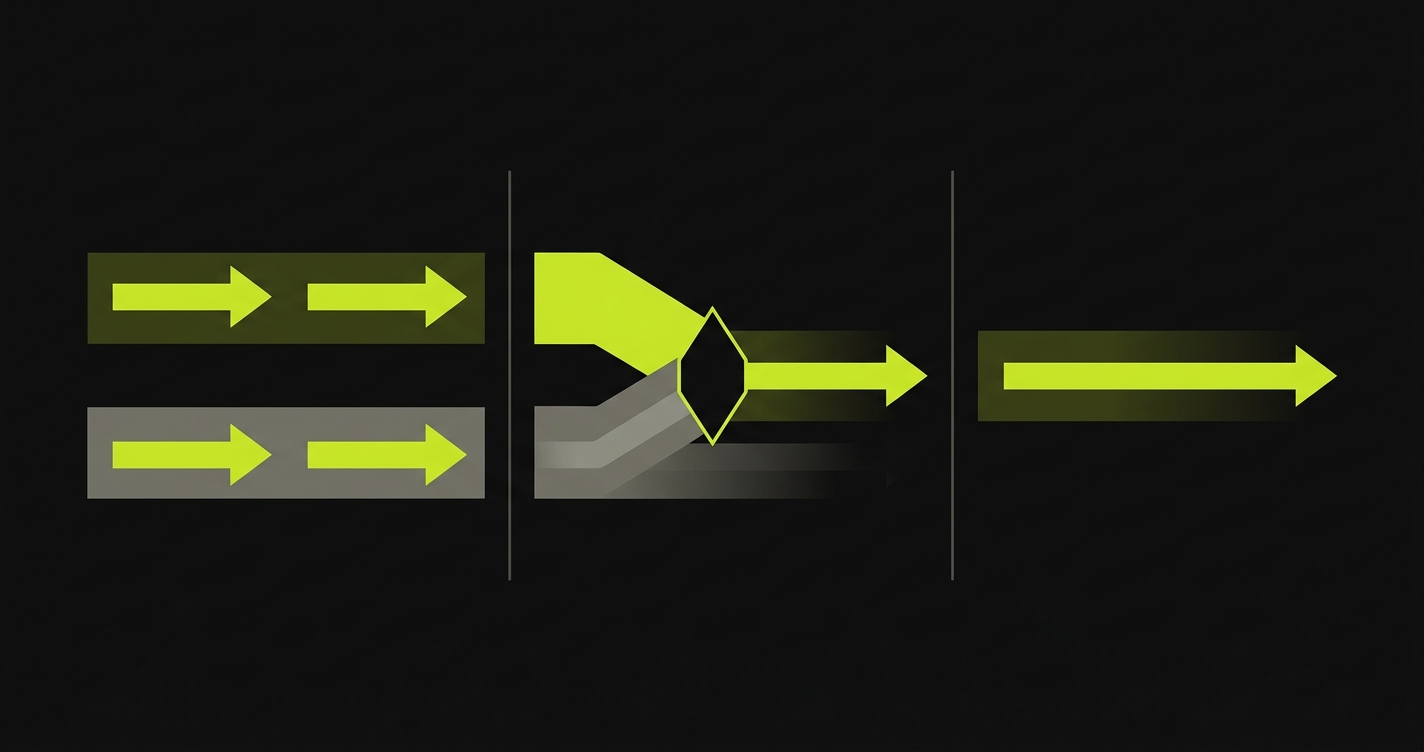
Phase 1 -- Parallel suites. Run Selenium and Cypress in CI simultaneously. New tests are written in Cypress. Existing Selenium tests are converted incrementally, highest-value flows first. Both suites must pass for a merge to unblock. This phase typically lasts 4-8 weeks for a mid-sized suite. The signal that Phase 1 is done: Cypress covers every critical user flow, even if Selenium still has broader coverage.
Phase 2 -- Gated cutover. Drop the requirement that Selenium must pass. Cypress becomes the gate. Selenium runs in a non-blocking job for reference. Engineers are no longer maintaining Selenium tests -- they are just watching the suite decay naturally. If a Selenium test fails, the response is to check whether Cypress already covers it (convert if not, delete if yes). This phase lasts 2-4 weeks.
Phase 3 -- Sunset. Remove Selenium from the CI pipeline. Archive the before/ directory (or delete it, if your team does not value the historical reference). Remove selenium-webdriver, chromedriver, and geckodriver from package.json. Update the README. The migration is complete.
The key discipline across all three phases: never write a new test in Selenium during the migration. Every new test goes in Cypress, even if the parallel suite is still running. Enforcing this means the Selenium suite only shrinks.
When to Abort the Migration
Not every migration should complete. Three signals that the right answer is to stop:
Multi-language teams. If your QA engineers write tests in Python or Java and your frontend team writes them in JavaScript, you will end up maintaining two codebases anyway -- one Cypress, one Selenium (or another WebDriver-based tool). The migration does not solve the problem; it adds a second framework.
Safari is a hard requirement. Cypress does not support Safari. If your users are significant Safari users and your tests need to verify Safari-specific rendering or behavior, Cypress cannot replace Selenium fully. Playwright is the better migration target in this case.
Enterprise approval constraints. Some regulated industries require test frameworks to be explicitly approved by a security or compliance team. If Selenium is on the approved list and Cypress is not, the migration has a non-technical blocker that may not resolve quickly. Waiting for approval while running a parallel migration is expensive. Pause until the approval path is clear.
In all three cases, the migration is not failing -- it is revealing that the original decision was made without full information. That is normal, and stopping cleanly is better than running the migration to completion and then discovering the constraint.
For teams considering a lateral move to Playwright instead, see the Playwright vs Selenium comparison. For teams evaluating open-source alternatives without a commercial cloud component, the Cypress alternatives guide covers the full landscape.
Key Takeaways
- Budget 80-150 hours of conversion work for a 100-test suite, plus 8-16 hours for Cypress config and CI integration. A two-person team should budget 6-10 weeks running in parallel with feature work.
- Run parallel suites, then gated cutover, then sunset. A hard cutover is the fastest path to a failed migration.
- Every new test goes in Cypress from day one, even while the Selenium suite is still running in CI. This is the single discipline that keeps the migration finite.
- Abort cleanly if Safari is a hard requirement, your team is multi-language, or enterprise approval is blocking. Stopping is better than running the migration to completion and discovering the constraint after.
- Test 3 (network stubbing) is where the migration pays back most.
cy.intercept()removes an entire layer of proxy infrastructure that Selenium forces teams to build and maintain.
For a 100-test suite with a 60/30/10 distribution (simple/mid/complex), expect 80-150 hours of conversion work plus 8-16 hours for CI and environment setup. A two-person team running this in parallel with feature work should budget 6-10 weeks. The three test pairs in this article represent the three difficulty tiers, so use them to calibrate your own estimate.
No. Cypress 13 supports Chrome, Firefox, and Edge. It does not support Safari or Internet Explorer. Selenium supports all five. If Safari coverage is a hard requirement, Playwright is a better migration target than Cypress.
Yes, but with more setup. Cypress Cloud's parallel execution is the easiest path, but it requires a paid plan. Alternatives include running multiple Cypress instances across CI matrix jobs (GitHub Actions, GitLab CI, CircleCI all support this natively) or using open-source orchestration tools like Sorry Cypress. The tradeoff is operational overhead versus cost.
Page Object Models survive the migration structurally, but the implementation changes. Selenium POMs use driver.findElement() and return WebElement objects. Cypress equivalents use cy.get() and return Chainable objects. The pattern is the same; the API is different. Budget an extra sprint if your suite relies heavily on a custom POM wrapper library.
Both are strong choices for JavaScript-first teams. Cypress has a better out-of-the-box developer experience and a more opinionated test runner. Playwright has broader browser support (including Safari), better multi-language bindings, and a more flexible architecture. If Safari matters or your team spans multiple languages, Playwright wins. If your team is JS-first and values developer experience above all, Cypress is excellent. The three-way breakdown at /blog/selenium-playwright-cypress-comparison covers this decision in detail.
Yes. Autonoma connects to your codebase, reads your routes and components, and generates maintained E2E tests automatically, with no Selenium, no Cypress, and no migration. The Planner agent derives test cases from code analysis rather than from recorded flows or hand-written scripts. For teams that are spending engineering cycles on framework decisions, it removes the question entirely.