

Cursor alternatives are tools that offer AI-assisted coding without Cursor's specific constraints: its $20/month Pro tier, VS Code lock-in, context window limits, and model selection restrictions. The main categories are full AI IDEs (Windsurf, Zed), VS Code extensions (GitHub Copilot, Cody, Continue), cloud builders (Bolt.new, Lovable, Replit Agent), and terminal-native tools (Claude Code, Aider). Each fits a different workflow. This article explains which excels where, where Cursor still wins, and what to evaluate beyond the feature list before you commit.
Cursor is a well-built AI code editor. The problem is not the product. The problem is that a lot of developers are using it for situations it was not optimized for, and the friction shows.
The team scaling to 15 engineers discovers that the per-seat cost now rivals their cloud bill. The Vim user who switched to Cursor for AI features realizes they are now maintaining two mental models of text editing. The founder who needs a running app by Friday finds that Cursor is excellent at helping them write code, but getting from zero to deployed still requires setup, configuration, and decisions that a cloud builder would have just handled. The developer who works primarily in a terminal treats any GUI as overhead.
These are not niche complaints. They are the four most common reasons developers go looking for cursor alternatives, and each one points to a different tool as the answer.
Why Developers Look for Cursor Alternatives
Before evaluating alternatives, it is worth being honest about what actually drives developers to explore other AI IDEs and AI code editors.
Cost at team scale. Cursor Pro is $20/month per seat. For a 10-person team, that is $2,400/year before any business tier. GitHub Copilot is roughly half that price at the same team size. Cody and Continue have generous free tiers. For startups optimizing every line item, this adds up.
VS Code dependency. Cursor is a VS Code fork. If you are a Vim user, a JetBrains user, or someone who prefers Zed's performance, the editor itself is the problem, not the AI features. Cursor does not solve this.
Model lock-in and context limits. Cursor's default models (GPT-5.x, Claude 4.x) are configurable on higher tiers, but the context window behavior and rate limits are Cursor's, not the model provider's. Developers who want to run local models or use API keys directly hit friction.
Cloud builder use case. If you are prototyping a full-stack app from a description, Cursor is the wrong tool entirely. Bolt.new or Lovable gets you to a running app in minutes without touching an editor.
Terminal workflow. If you live in the terminal and treat a GUI editor as overhead, Claude Code or Aider fit your workflow in ways Cursor never will.

Full AI IDE Alternatives to Cursor: Windsurf and Zed
These are complete editor replacements, not add-ons.
Windsurf (from Codeium) is the closest alternative to Cursor in terms of feature parity. It has multi-file editing, codebase-aware context, and inline chat that behaves nearly identically to Cursor. Where it beats Cursor: the free tier is meaningfully generous, and its Cascade agent is faster at multi-file refactors in our internal testing. Where Cursor still wins: Windsurf's extension ecosystem is smaller, and if you rely on specific VS Code extensions, you may find gaps. We wrote a detailed comparison in Cursor vs Windsurf for teams evaluating both.
Zed takes a different angle. It is not primarily an AI IDE; it is a fast, minimal code editor that added AI features. The editor itself starts in under 200ms and has native collaborative editing. The AI completions (via their own API or a bring-your-own-key setup) are solid but less deeply integrated than Cursor's. Where Zed wins: developers who care about editor performance above all else, and teams that want to avoid the VS Code runtime entirely. Where Cursor wins: the AI workflow in Cursor is more cohesive. Zed's AI features feel like a well-implemented addition; Cursor's feel like the primary product.
Regardless of which AI coding tool you choose, testing the output matters. Autonoma adds AI-driven E2E testing to your workflow — agents read your codebase and catch regressions on every PR.
Best Cursor Alternatives for VS Code: Copilot, Cody, and Continue
If you want AI features without leaving VS Code proper, this is your category.
GitHub Copilot is the most widely deployed AI coding tool in the world, not Cursor. Its advantage is enterprise trust and GitHub integration: it understands your repositories, pull request context, and GitHub Actions workflows in ways no other tool matches. Copilot Chat has closed the gap with Cursor's inline chat significantly in 2025. Where Copilot lags: multi-file editing and agentic task completion are still weaker than Cursor. It is an excellent assistant; it is not an autonomous agent. We broke down the full comparison in Cursor vs Copilot.
Sourcegraph Cody is the strongest alternative for large, complex codebases. Its context retrieval is codebase-wide by design: it indexes your entire repo and builds a precise context window for each query rather than relying on proximity. For monorepos and large enterprise codebases, this matters. Where Cody loses ground: it is slower for simple completions, and its UI is less polished than Cursor's. For teams at 10 engineers, the difference is marginal. For teams at 100+ engineers with multiple repos, Cody's indexing approach pays off.
Continue is the open-source option in this category. You configure your own model provider (Ollama, Claude API, OpenAI, whatever you have), your own context sources, and your own prompts. It is infinitely customizable. Where this shines: teams with security constraints that prevent sending code to third-party APIs, and developers who want local model support with zero egress. Where it costs you: setup time. Getting Continue configured to the point where it matches a polished commercial tool is an afternoon of work, minimum.
Cloud Builders: Bolt.new, Lovable, and Replit Agent
These are fundamentally different from editor-based tools. They are not cursor alternatives for daily development work. They are the right tool when your input is a description and your output is a running app.
Bolt.new generates a complete, running Next.js or React app from a prompt, in the browser, with no local setup required. For prototyping and MVPs, this is faster than any editor-based workflow. Where it breaks down: once you push beyond the initial scaffold and start iterating on complex features, the context limits and lack of a real local dev environment create friction. Bolt is best as a starting point, not a full development environment.
Lovable is similar but focused on production-quality output. It integrates with Supabase for the backend, generates cleaner component structure, and is more opinionated about the stack. For founders building their first SaaS MVP, Lovable gets to a deployable product faster than any of the editor-based tools. The limitation is the same as Bolt: you will eventually hit a ceiling where you need to export the code and work in a real editor.
Replit Agent is the most complete cloud IDE of the three. It has a real development environment, not just a browser editor. It can install packages, run servers, and debug runtime errors. For developers who do not want to configure a local environment at all (common in education and for non-technical builders), Replit Agent is the strongest option. For professional developers who already have a local setup, the browser-based constraint is a productivity ceiling.
Terminal-Native Cursor Alternatives: Claude Code and Aider
These tools assume you are comfortable in a terminal and treat the terminal as your primary interface.
Claude Code (our own tool, I should be transparent) is an agentic terminal interface for Claude. You describe a task, it reads your codebase, writes code across multiple files, runs tests, and iterates. It does not have a GUI. Where it wins: developers who think in commands rather than GUI workflows, and teams that want to integrate AI assistance into scripts, CI, or other programmatic contexts. The agentic quality on multi-step tasks is exceptional. Where Cursor still wins: if you want inline suggestions as you type, Claude Code is not that. It is a task executor, not an autocomplete replacement.
Aider is the open-source terminal-native option with the most mature model support. It works with Claude, GPT-5.x, Gemini, and local models via Ollama. Its strong suit is git-aware editing: it makes commits automatically, frames each change as a diff, and keeps your history clean. For developers who treat git hygiene as non-negotiable, Aider's approach is elegant. Where it loses to Cursor: the conversational UX is raw. There is no visual diff preview, no inline chat that feels natural. It is a power tool for developers who do not need that.
Testing and Verification: The Missing Layer
Every tool above generates code. None of them verify that the code works correctly under real conditions. This is the gap that grows as AI-generated code volume increases.
Autonoma is not a cursor alternative in the traditional sense. It is the testing layer that sits alongside whichever code generation tool you choose. Connect your codebase, and Autonoma's agents read your routes, components, and user flows, then generate and execute E2E tests automatically. When your AI IDE generates new code, the Maintainer agent keeps your tests passing without manual intervention.
For teams evaluating cursor alternatives, the tool you pick for generation matters less than whether you have a verification layer at all. A fast AI IDE paired with automated testing ships better software than a perfect AI IDE with no testing. We cover this dynamic in depth in our vibe coding best practices guide.
Cursor Alternatives at a Glance
| Tool | Category | Starting Price | Best For | Key Limitation |
|---|---|---|---|---|
| Windsurf | Full AI IDE | Free tier / $20/mo Pro | Teams wanting Cursor-like features at lower cost | Smaller extension ecosystem |
| Zed | Full AI IDE | Free | Performance-focused developers avoiding VS Code | AI features less deeply integrated |
| GitHub Copilot | VS Code Extension | Free tier / $10/mo | Enterprise teams deep in GitHub ecosystem | Weaker multi-file editing and agentic tasks |
| Sourcegraph Cody | VS Code Extension | Free tier | Large codebases and monorepos (100+ engineers) | Slower simple completions, less polished UI |
| Continue | VS Code Extension | Free (open-source) | Teams needing local models or full customization | Requires significant setup time |
| Bolt.new | Cloud Builder | Free tier | Rapid prototyping from a prompt | Ceiling on complex iteration |
| Lovable | Cloud Builder | Free tier | Founders building SaaS MVPs | Must export to real editor eventually |
| Replit Agent | Cloud IDE | Free tier | Education and non-technical builders | Browser-based productivity ceiling |
| Claude Code | Terminal-Native | API usage | Terminal-first developers and CI/script integration | No inline autocomplete |
| Aider | Terminal-Native | Free (open-source) | Git-aware editing with local model support | Raw conversational UX |
What to Evaluate Beyond Features
Tool comparisons focus on features because features are easy to list. But three factors matter more for the long run.
Code quality under pressure. Every tool generates clean code on simple, well-specified tasks. The divergence happens on ambiguous tasks, edge cases, and complex refactors. Before committing to a tool, give it your actual hardest problem, not a hello-world demo. The gap between tools is much larger on real-world complexity than on benchmarks.
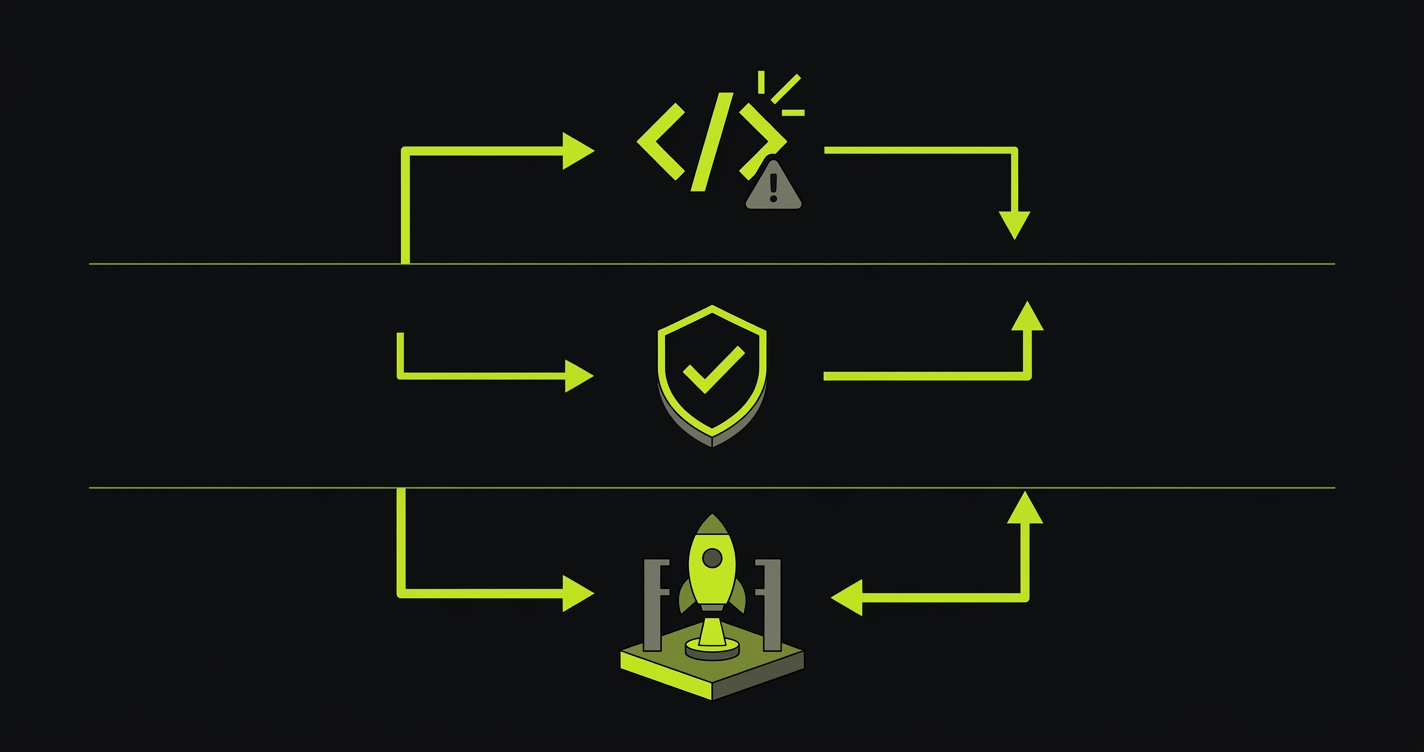
Testing integration. AI-generated code ships fast. That speed creates a quality gap that compounds over time. Regardless of which tool you choose, the code it generates needs testing, and ideally that testing should be as automated as the generation. A workflow without a testing layer is just moving the manual work downstream, from writing code to debugging production. This is where Autonoma fits — it makes testing as automated as generation by reading your codebase and producing E2E tests without you writing them manually. We cover this in detail in vibe coding best practices and in our guide on making a vibe-coded app production ready.
Production readiness of the output. Cloud builders optimize for speed to first demo. Editor-based tools optimize for developer productivity. Neither explicitly optimizes for production reliability. Error handling, logging, authentication edge cases, and database state management are often thin in AI-generated code. This is not a reason to avoid these tools. It is a reason to have a quality gate in your pipeline before anything AI-generated ships to users.
How to Choose the Right Cursor Alternative
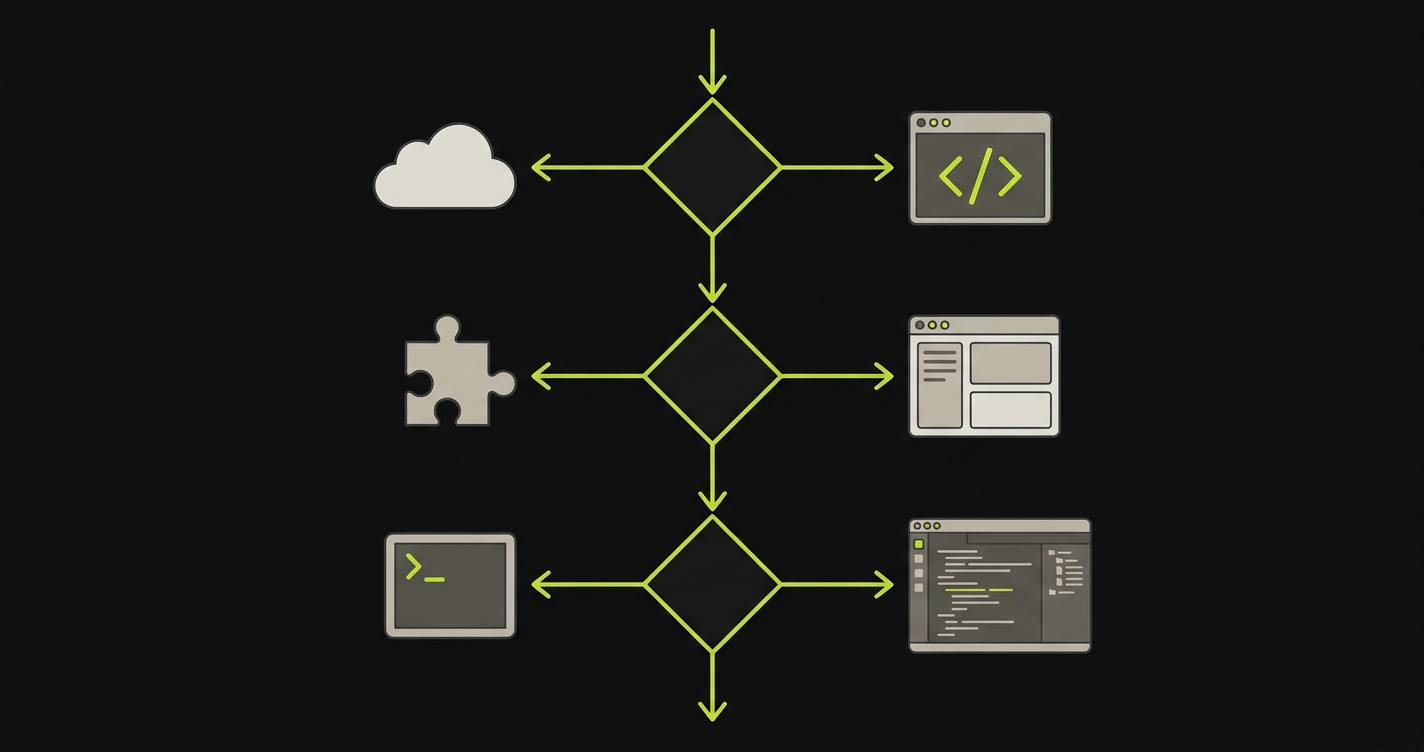
Choosing among cursor alternatives comes down to three questions.
What is your primary use case? Prototyping a new product versus maintaining an existing codebase are different jobs. Cloud builders serve the first. Editor-based tools serve the second. Do not use Bolt.new to maintain a 50k-line monorepo, and do not use Cursor to go from zero to deployed prototype in an afternoon.
What are your constraints? Budget, model preferences, local vs. cloud, VS Code vs. alternative editor, enterprise security requirements. These eliminate most tools before you get to feature comparisons.
What is your existing workflow? The best AI coding tool is the one that fits into how you already work, not the one that requires you to rebuild your workflow around it. If you live in a terminal, Claude Code or Aider fits. If you are deep in the VS Code ecosystem, Copilot or Cody is less disruptive than switching to Cursor or Windsurf. If you are building net-new, vibe coding tools like Lovable or Bolt might give you the fastest path to something real. We ranked these and others in our best vibe coding tools roundup.
Cursor is a well-built tool with a clear product vision. But it is not the best fit for every use case, every team size, or every workflow. The alternatives above are not Cursor clones. Each one makes a different set of tradeoffs, and understanding those tradeoffs is how you pick the right one.
The best cursor alternatives depend on your use case. For a full AI IDE with similar feature parity, Windsurf is the closest. For VS Code extensions, GitHub Copilot and Sourcegraph Cody are the strongest options. For cloud-based prototyping, Bolt.new and Lovable are faster than any editor-based tool. For terminal-native workflows, Claude Code (from Autonoma) and Aider are the top choices. Autonoma also offers agentic testing that pairs with any of these tools to ensure the code they generate is production-ready.
Windsurf matches Cursor on most features and beats it on price, with a generous free tier. Its Cascade agent handles multi-file refactors well. Cursor still has an edge on extension ecosystem size and overall polish. For teams evaluating both, the decision often comes down to cost and whether you rely on specific VS Code extensions that may not be available in Windsurf.
Yes, several cursor alternatives support bring-your-own-key (BYOK) setups. Continue is fully model-agnostic and designed around this pattern. Aider works with any OpenAI-compatible API or local models via Ollama. Claude Code uses Anthropic's API directly. Zed also supports custom API endpoints. This is one of the main reasons developers look for cursor alternatives, to avoid Cursor's rate limits and model selection constraints.
For free cursor alternatives, Windsurf has the most generous free tier among full AI IDEs. Continue is completely free and open-source (you pay only for API usage). Aider is also open-source and free. GitHub Copilot has a free tier for individual developers with limited completions. For cloud builders, Bolt.new and Replit Agent both have free tiers with usage limits.
Several do. Continue supports Ollama and any local model with an OpenAI-compatible API. Aider has first-class support for local models via Ollama. Zed supports local model endpoints. This is a common reason developers look for cursor alternatives: they want to keep code local for security or compliance reasons. Cloud-based tools like Bolt.new and Copilot do not support local models by design.
Regardless of which cursor alternative you use, AI-generated code needs a quality gate before it ships. This includes type checking, linting, security scanning, and most importantly, behavioral testing. Tools like Autonoma connect to your codebase and generate tests automatically, so the code your AI IDE generates gets tested without adding manual QA work. See our guides on vibe coding best practices and making a vibe-coded app production ready for the full framework.